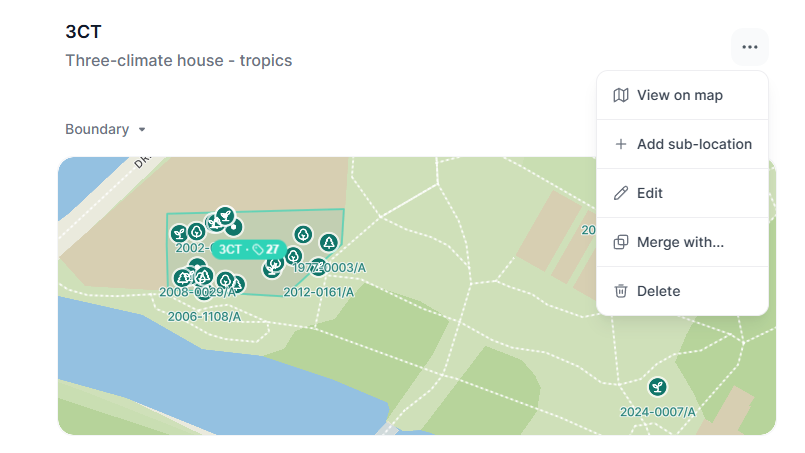
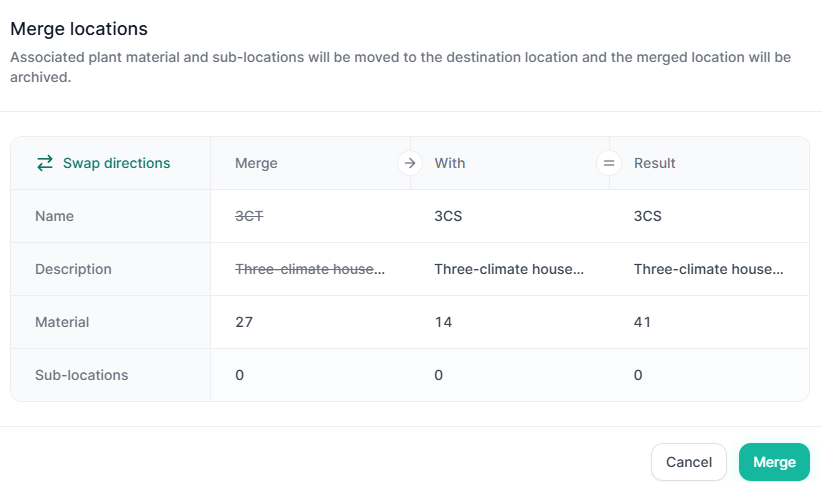
How do I merge two plant beds?

If you want to combine the plants from two beds into one, you can do this easily using the bulk update feature. Here's how.


Steps

1. Create the new bed

If the bed is not already created, go to your site settings and create the destination bed — for example, "Birds"

2. Move all plants using Bulk Update

In the material list, create a filter for the beds you want to merge (e.g. "Hummingbirds" and "Songbirds"), select all their plants and use Bulk Update  in the material list to change their location to the new bed ("Birds").

3. Delete the old beds

Once all plants have been moved, go to Site Settings and delete the now-empty beds ("Hummingbirds" and "Songbirds").


Tip: Activity log tracking

One benefit of this approach is that the location change is recorded in each plant's activity log. You'll be able to see exactly when a plant moved — for example, from "Songbirds" to "Birds" — making it easy to trace your garden's history.

H
Havard is the author of this solution article.

Did you find it helpful? Yes No

Send feedback
Sorry we couldn't be helpful. Help us improve this article with your feedback.